Getting started
Get your fleet startedwith Keeplin.
Connect your vehicles to Keeplin in a few simple steps. Register your company, plug in your OBD devices and start managing your fleet through the website and mobile app.
01Fleet requirements
What you’ll need to get started.
To set up your fleet, we’ll need your company details and your vehicle details.
01Company details
- Company name and country.
02Vehicle details
- Fleet size and number of vehicles.
- Vehicle types, makes, models and years.
Keeplin supports compatible cars and vans with an OBD-II port. You can start with part of your fleet and add more vehicles later.
02Registration and onboarding
Register your company.
Once your requirements and commercial arrangements are agreed:
- 01
Fleet website registration
Register through the Keeplin fleet website.
- 02
Email verification code
Sign in using an email verification code. No password required.
- 03
Registration and consent
Complete the registration and fleet data consent steps.
- 04
OBD devices dispatched
Receive one OBD device per vehicle included in your setup.
03OBD installation and activation
Plug in and connect.
- 01
Find the port
Locate the vehicle’s OBD-II diagnostic port, beneath the dashboard.
- 02
Plug it in
Plug in the Keeplin OBD device.
- 03
Automatic configuration
The device receives its settings automatically over the air.
- 04
On the live map
Once data is available, your vehicle appears on the live fleet map.
No wiring or technician installation required. SIM and mobile data are included.
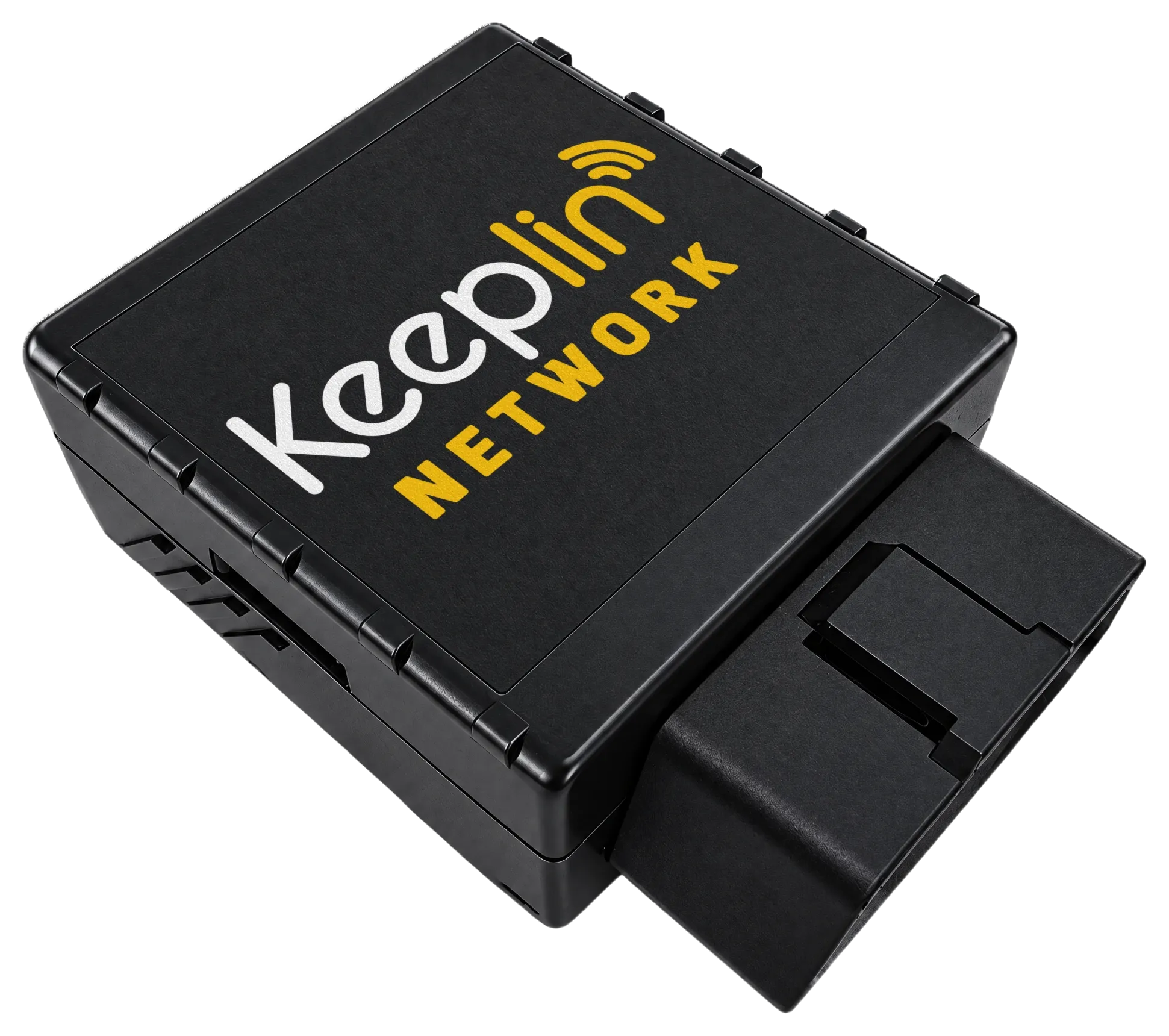
The OBD and vehicle compatibility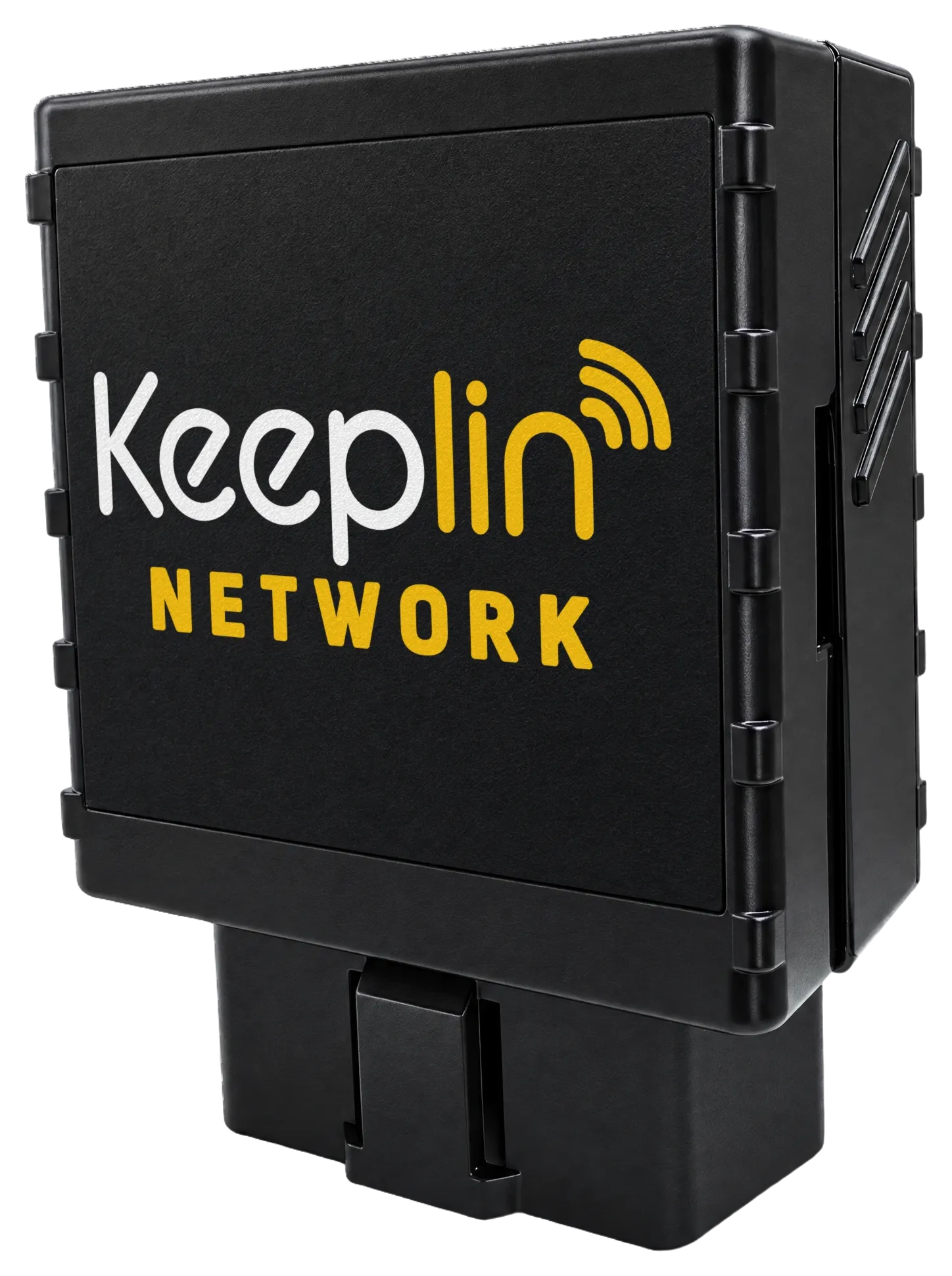
04Driver invitations and platform access
Access for managers and drivers.
Fleet managers.
Manage the entire fleet through the website and mobile app. View vehicles, trips, mileage, health, costs and driver activity.
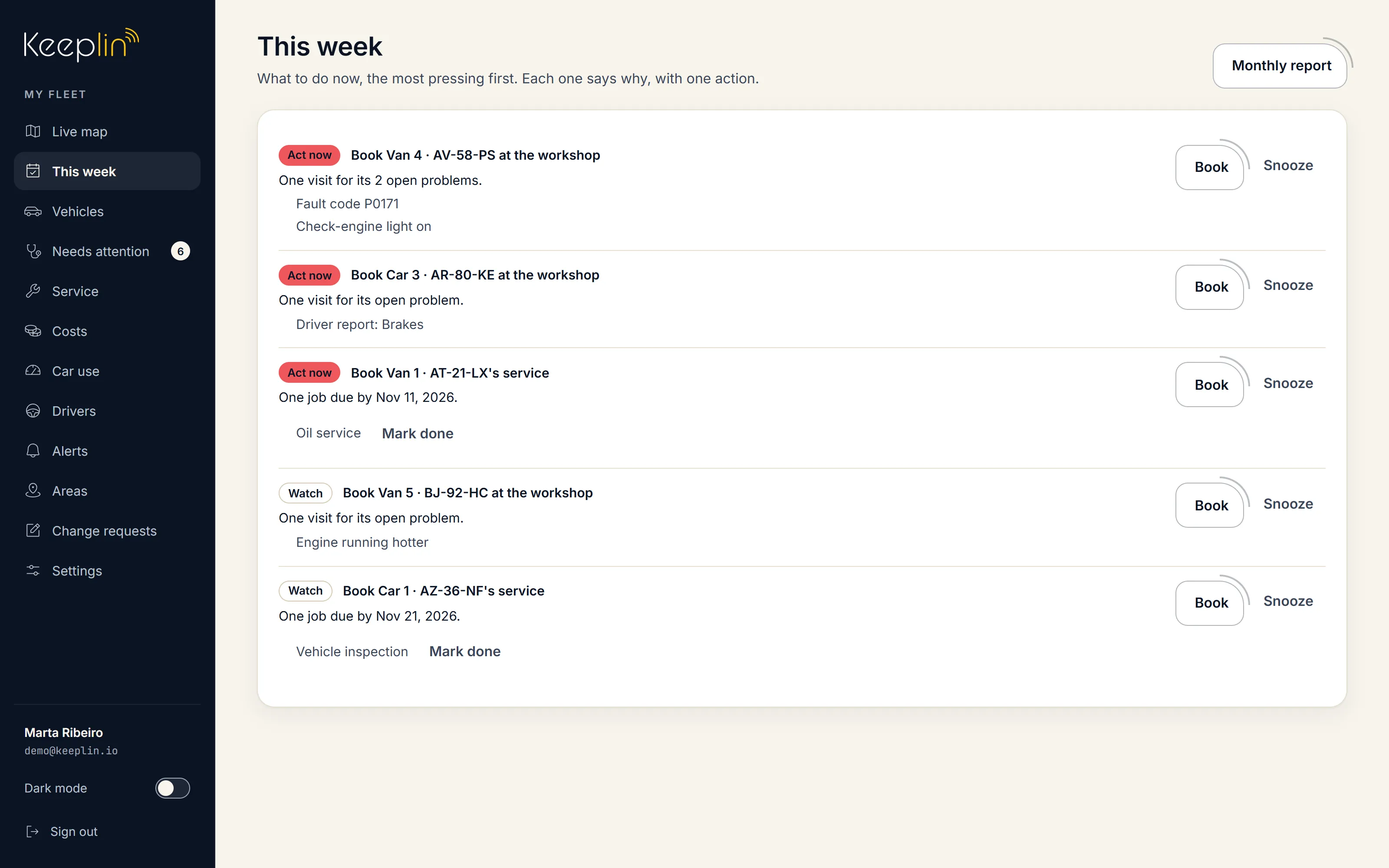
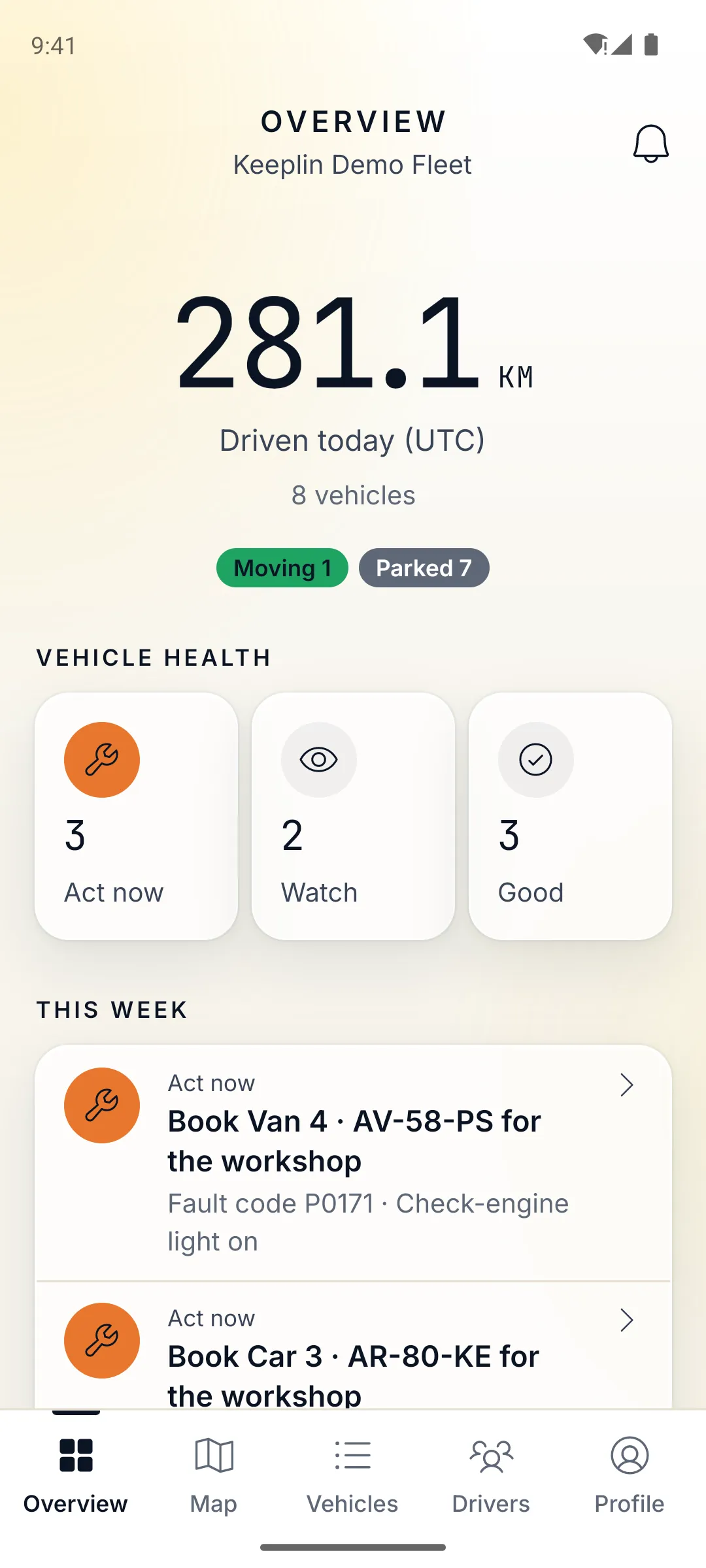
The fleet site and the Keeplin app, signed in as the fleet manager · Sample data
Drivers.
Receive an email invitation and sign in to the Keeplin app using a verification code. Drivers can view their own vehicle information, trips and mileage, and report problems.
In the app, a driver can
- See their own vehicle’s health
- See their trips and kilometres
- Report a problem with their vehicle
- Take an available vehicle for a shift, where you allow it
Never costs, other vehicles or other drivers.
| What | Fleet manager | Driver |
|---|---|---|
| Live map and trips | Every vehicle | Their own vehicle |
| Vehicle health | Every vehicle | Their own vehicle |
| Costs and money | Every vehicle | Never |
| Other vehicles and drivers | Yes | Never |
| Report a problem | Sees every report | For their own vehicle |
| Downloads | All data, raw OBD readings included | Their own trips and kilometres |
Next step
Your fleet, connected and ready to manage.
Take the next step towards simpler fleet management. Let’s get your vehicles connected to Keeplin.